Profile Picture Downloader
View and download Instagram profile pictures in full size – not the tiny thumbnail you see in the app.
Profile Picture Downloader
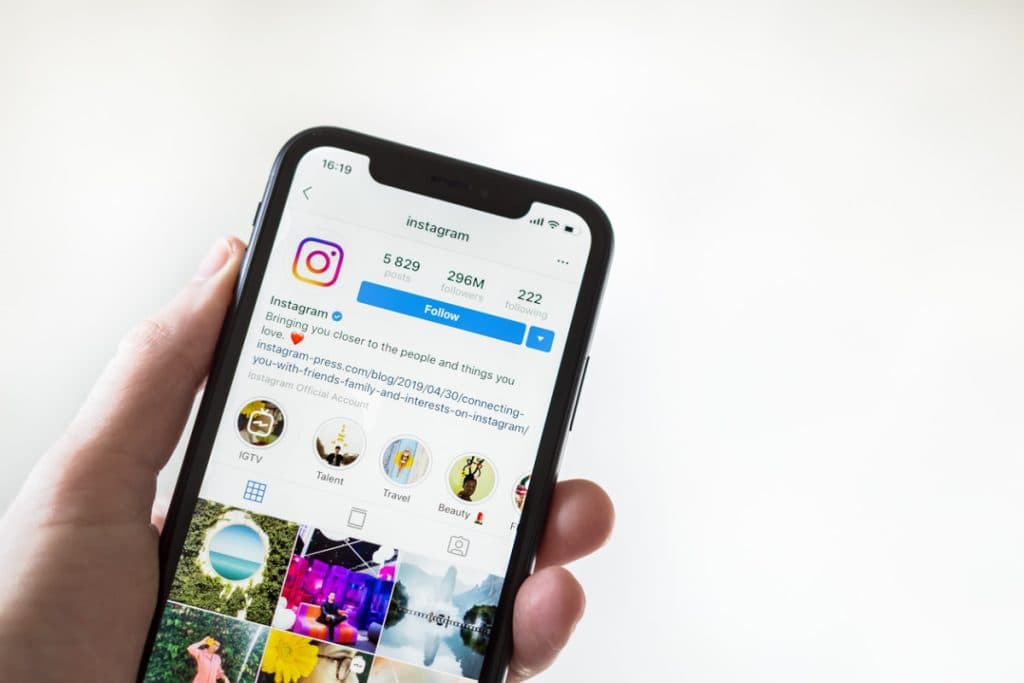
In the Instagram app, profile pictures only appear as a small circle, and you can't open them in full size. Profile Picture Downloader shows you the profile picture of any public account in the highest resolution available, so you can see every detail and save it to your device.
How to Use Insta Tools
Follow these steps to use the selected Instagram tool quickly and safely.
- 1Step 1
Copy the username or profile link
Complete this step and continue to the next one.
- 2Step 2
Paste it into the field above
Complete this step and continue to the next one.
- 3Step 3
Click Start and download the picture
Complete this step and continue to the next one.

Why use Profile Picture Downloader?
View and download Instagram profile pictures in full size – not the tiny thumbnail you see in the app.
Here are some key benefits based on this tool's features:
- 01
Full size, high resolution
- 02
Works with a username or link
- 03
No login required
- 04
Works on phone and desktop
- 05
Easy to use
- 06
Fast, secure processing