
Highlights Downloader
Download the stories saved in the highlights of public Instagram profiles, photo by photo and video by video.
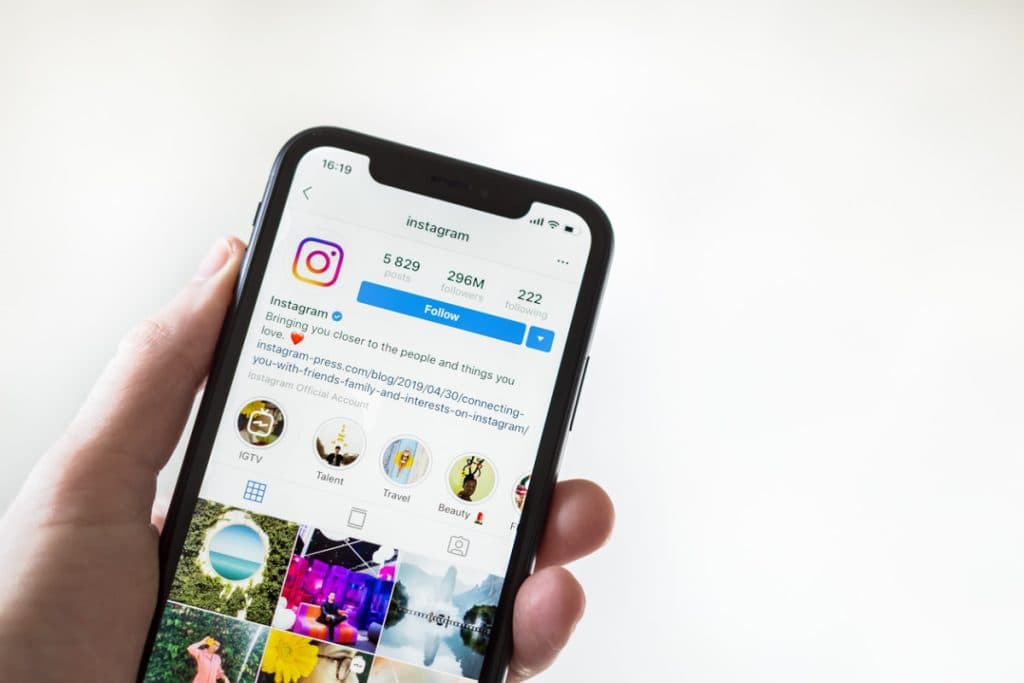
Highlights Downloader
Highlights keep an account's best stories on its profile long after the usual 24 hours. Highlights Downloader lets you save these stories from public profiles – photos and videos – in their original quality. Copy the link of a highlight, paste it here and download the stories you want to keep.
How to Use Insta Tools
Follow these steps to use the selected Instagram tool quickly and safely.
- 1Step 1
Open the highlight and copy its link
Complete this step and continue to the next one.

- 2Step 2
Paste the link into the field above
Complete this step and continue to the next one.

- 3Step 3
Click Start and download the stories
Complete this step and continue to the next one.

Why use Highlights Downloader?
Download the stories saved in the highlights of public Instagram profiles, photo by photo and video by video.
Here are some key benefits based on this tool's features:
- 01
Save photos and videos from highlights
- 02
Original quality, no watermark
- 03
No login required
- 04
Works on phone and desktop
- 05
Fast, secure processing