How to Download Instagram Profile Pictures (Full Guide)
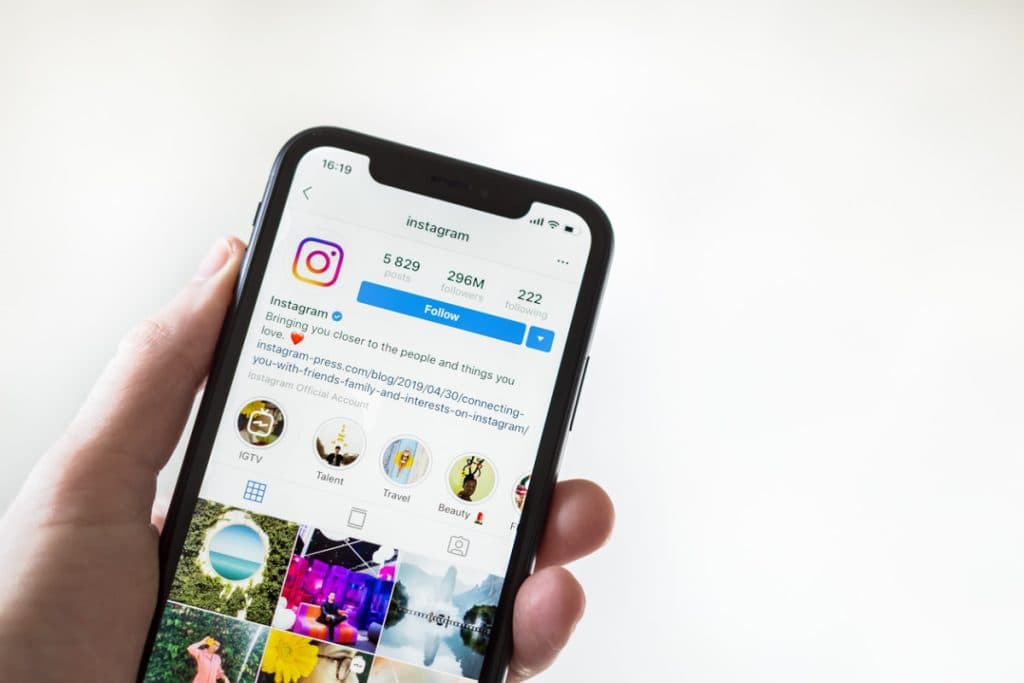
Instagram shows a profile picture at a tiny size and gives you no way to save the full-resolution version — no download button, no "save image" option that actually works. If you've ever right-clicked a profile photo and gotten a blurry, cropped square, you already know the problem.
Why the built-in options don't work
Right-clicking and choosing "Save Image As" only saves the small, often-compressed thumbnail Instagram displays in the app or on the web. The original photo the account owner uploaded is stored at a much higher resolution, but it isn't linked anywhere on the public profile page.
The simple way
Our Profile Picture Downloader fetches the original, uncompressed version directly: paste the username or the profile link, press start, and you get the full image ready to save or copy.
- No login or Instagram account needed
- Works for any public profile
- Keeps the original resolution — no blur, no cropping
A quick reminder
Only download and reuse photos you have permission to use. A profile picture belongs to the account owner, so keep downloads to personal use unless you've asked first.