
GuidesReels
How to Download Instagram Reels in Seconds
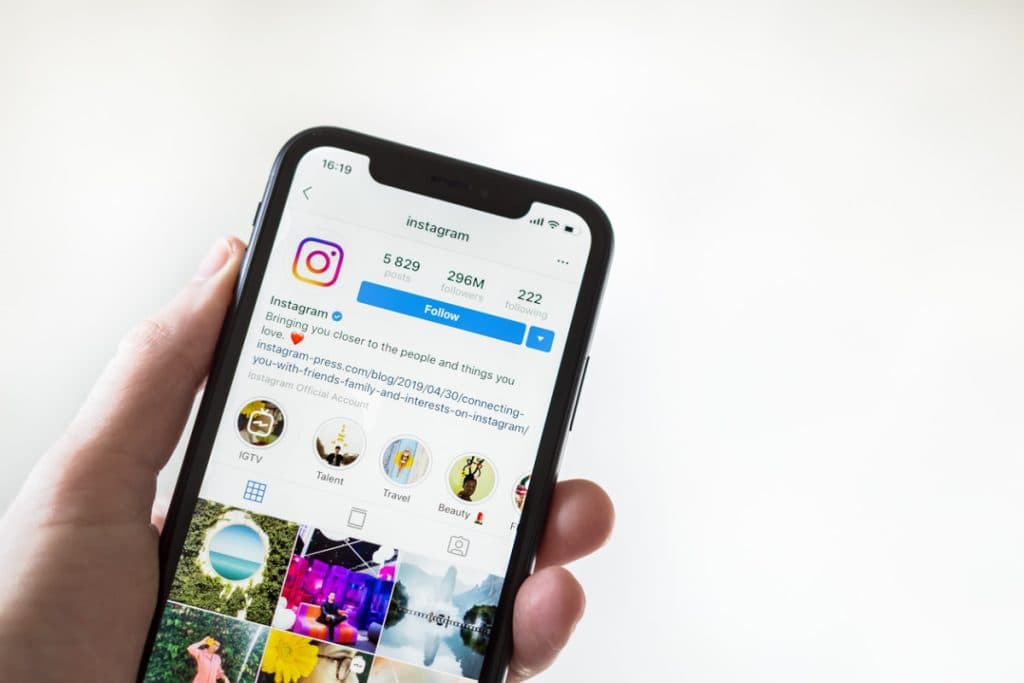
Instagram lets you save Reels inside the app, but there's no way to export that file to your phone or computer — and no option at all on desktop. If you want to keep a Reel, repost it elsewhere, or just watch it offline, you need another way to get the actual video file.
What you need before you start
Just the Reel's link. Open the Reel, tap the share icon, choose "Copy Link", and you're ready.
Three steps
- Paste the Reel's link into the Reels Downloader
- Press Start and wait a few seconds while it's fetched
- Download the video file, saved at its original quality with no watermark added
Good to know
Only public Reels can be downloaded this way — content from private accounts stays private, as it should. And as always, save content you have the right to reuse, or that you're keeping for personal viewing.