
The Ultimate Guide to Free Instagram Tools

Instagram is a closed platform by design: most of what you see there is meant to stay there. But there are plenty of legitimate, everyday reasons to save a public photo, repost a Reel you were tagged in, or quickly copy a bio you want to reference later. That's the gap Insta Tools fills — a set of small, focused tools that each do one thing well.
Downloading content
- Photo & Video Downloader — save a single public post at its original quality
- Reels Downloader — save Reels as a normal video file, no watermark
- Story & Highlights Downloader — save stories and saved highlights before they disappear
- Profile Picture Downloader — grab the full-resolution version of any profile photo
Working with text
The Bio Downloader and Copy Caption tools pull a profile's bio or a post's caption as plain text, emojis and line breaks intact — handy when Instagram's own interface won't let you select and copy it cleanly.
Planning content
The Hashtag Generator turns a topic into a ready-to-use set of hashtags, so you're not starting from a blank page for every post.
One thing all of them share
Every tool works on public content only, needs no login or app install, and keeps your downloads exactly as they were posted — no watermark, no quality loss.
Artículos relacionados

How to Download Instagram Profile Pictures (Full Guide)
Learn how to save any public Instagram profile picture in full resolution, without logging in or installing an app.

Best Instagram Hashtags for More Reach in 2026
A practical approach to choosing Instagram hashtags that actually bring new people to your posts, instead of guessing.
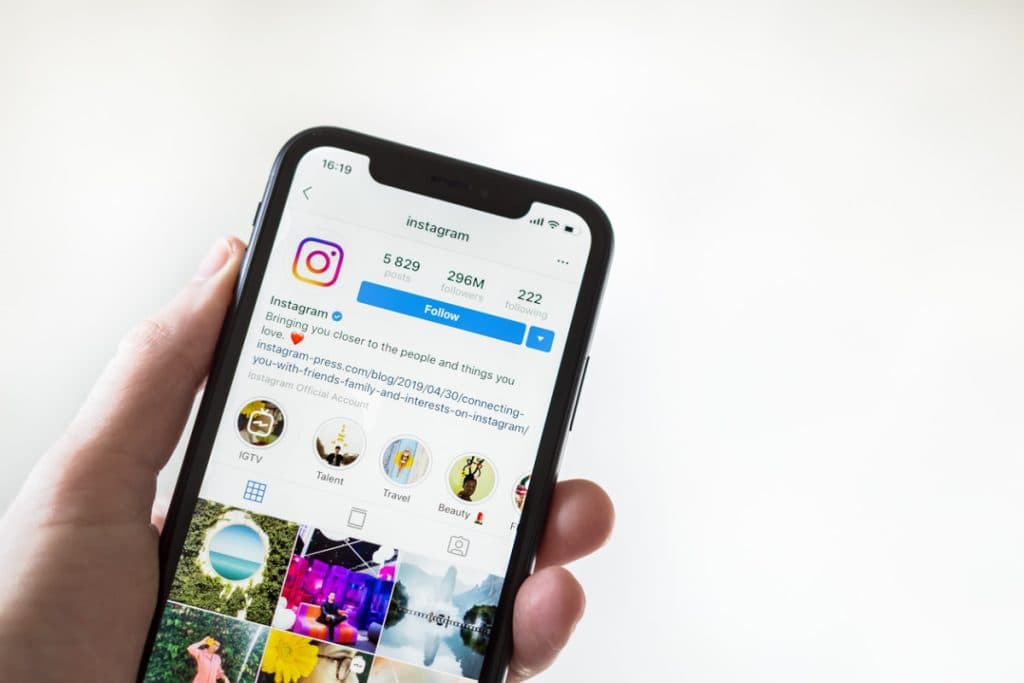
How to Download Instagram Reels in Seconds
Save any public Instagram Reel to your device in a few clicks, with the original video quality and no watermark.